How to Get Free Access to NVIDIA Build AI Models (2026)
Learn how to try NVIDIA Build models in the browser, create an API key, and call a free prototype endpoint without owning an NVIDIA GPU.
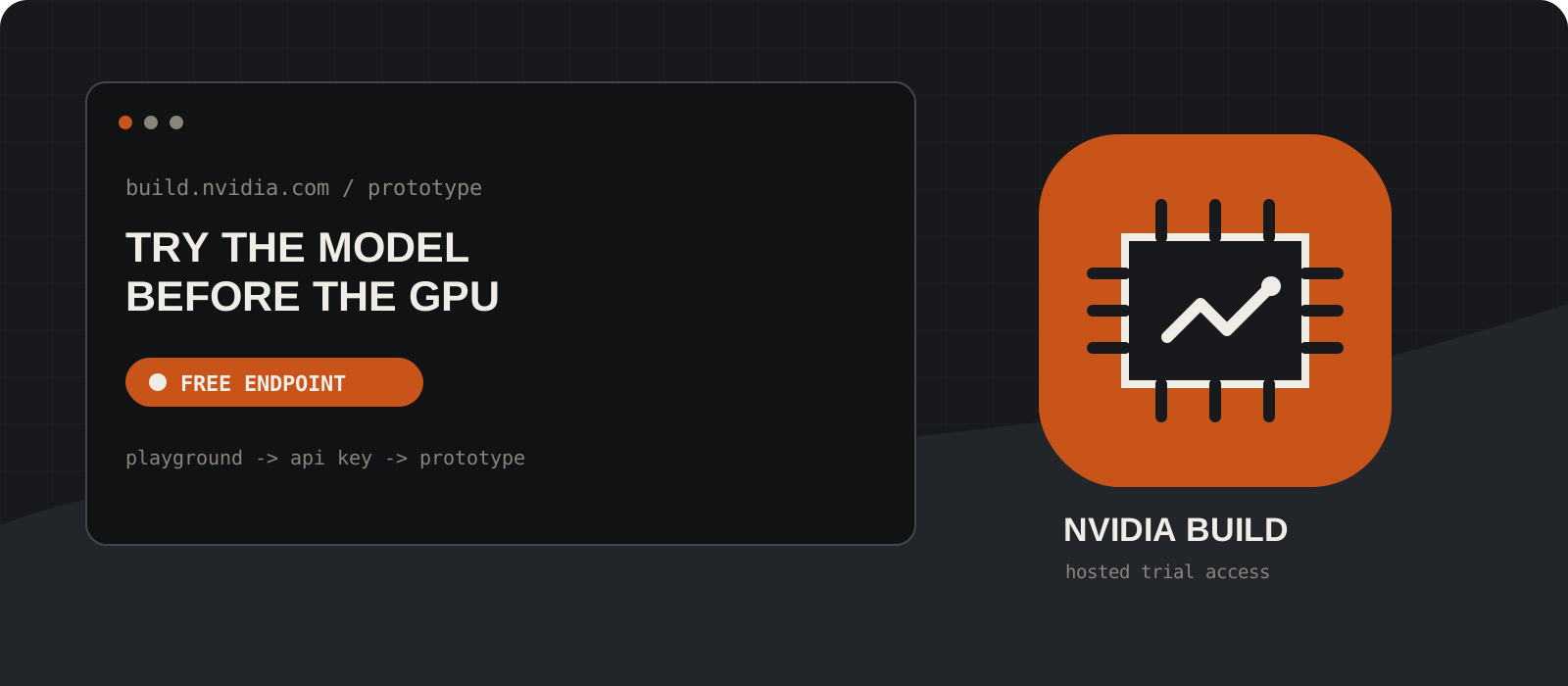
You can test supported AI models on NVIDIA Build without buying a GPU: sign in, choose a model marked Free Endpoint, use its browser playground, and generate an nvapi key when you are ready to call the hosted API. The important limit is that this is trial access for prototyping and evaluation, not a promise of unlimited or production-ready free inference.
System requirements
Account
A free NVIDIA account
You must sign in to use the playground and generate an API key. Some models may also require you to accept their license terms.
Hardware
No NVIDIA GPU required for hosted endpoints
The playground and integrate.api.nvidia.com run on NVIDIA-hosted infrastructure. Downloading and self-hosting a NIM is a separate path with model-specific hardware requirements.
Software
A modern browser; Python is optional
The browser playground is enough for a first test. The API example uses PowerShell or curl, so no SDK is required.
Internet
Required
NVIDIA Build is a hosted service. It does not work offline, even if the application making the API request runs on your own computer.
Cost
Limited trial access
NVIDIA can limit access by credits, requests, or time. Check the balance and options shown in your own Build account; the trial terms do not guarantee a permanent allowance.
Key type
NVIDIA API key beginning with nvapi-
A Build API key for hosted inference is not the same credential as an NGC personal key used for container images, Helm, or nvcr.io.
Create an NVIDIA account and sign in
Start at NVIDIA Build and use one account for the catalog, playground, and API key.
Open NVIDIA Build, select Sign In, and create an NVIDIA account if you do not already have one. Complete the email verification NVIDIA sends you, then return to the catalog.
A personal account is enough to start exploring. Use accurate account information and review the terms presented during sign-up; enterprise evaluation has a separate request flow.
Choose a model with a free endpoint
Use the catalog badge, not the model name, to confirm hosted trial availability.
Browse the model catalog and open a model page. Look for Free Endpoint and the Prototype section. A model card or downloadable container does not by itself mean that a hosted endpoint is available.
For this walkthrough, Meta Llama 3.3 70B Instruct is a concrete example currently shown by NVIDIA with a Free Endpoint. Catalog availability can change, so choose another model if its page no longer shows that badge.
Tip
Nemotron, Llama, Mistral, embedding, vision, and other model families can have different inputs, licenses, and availability. Read the selected model page before sending data.
Test the model in the browser playground
Make one small prompt work before adding code or a framework.
Open the Playground tab, enter a short prompt, and run it. This validates your account and the selected model without installing anything.
Review the model controls and the generated API reference beside the playground. Parameters differ across chat, image, speech, embedding, and reranking models, so the model page is more reliable than a generic snippet copied from elsewhere.
Tip
Do not paste secrets, private source code, customer data, or personal data into a trial service. Review the API Trial Terms and the selected model's license first.
Generate a NVIDIA Build API key
Create the nvapi credential used by NVIDIA-hosted inference endpoints.
Select Get API Key on the model page, sign in if prompted, and choose Generate Key. You can also open your profile, then Settings and API keys.
Copy the full secret when it appears and store it in a password manager or secret manager. Do not commit it to Git, place it in browser-side JavaScript, or publish it in a screenshot.
Tip
Hosted Build keys commonly begin with nvapi-. If a guide asks for an NGC personal key or NGC_API_KEY to pull from nvcr.io, it is describing a different workflow.
Load the key without hard-coding it
Put the key in a temporary environment variable for the current terminal session.
The commands below ask for the key interactively and keep it out of your source file. Closing the terminal clears the session variable.
Use NVIDIA_API_KEY for hosted API examples. Some NVIDIA tools use another variable name, but the secret still comes from Build when they call integrate.api.nvidia.com.
$env:NVIDIA_API_KEY = Read-Host "Paste your nvapi key"
if ($env:NVIDIA_API_KEY -like "nvapi-*") { "Key loaded" }read -s -p "Paste your nvapi key: " NVIDIA_API_KEY
export NVIDIA_API_KEY
printf '\nKey loaded\n'Tip
A production application should read the key on the server from a managed secret store. Never expose it through a NEXT_PUBLIC_ variable or ship it in frontend code.
Call the hosted model from your terminal
Send one small OpenAI-compatible chat request and inspect the response.
NVIDIA's hosted chat endpoint is shown in the commands below. The example model page currently uses meta/llama-3.3-70b-instruct.
If you select another model, copy its exact model identifier and parameters from the API Reference tab. A 401 usually means the key is missing or invalid; a 402 can indicate exhausted or expired trial credits; a 429 usually means a rate or capacity limit.
$headers = @{ Authorization = "Bearer $env:NVIDIA_API_KEY" }
$body = @{
  model = "meta/llama-3.3-70b-instruct"
  messages = @(@{ role = "user"; content = "Explain AI agents in two sentences." })
  max_tokens = 128
  stream = $false
} | ConvertTo-Json -Depth 5
Invoke-RestMethod `
  -Uri "https://integrate.api.nvidia.com/v1/chat/completions" `
  -Method Post `
  -Headers $headers `
  -ContentType "application/json" `
-Body $bodycurl https://integrate.api.nvidia.com/v1/chat/completions \
-H "Authorization: Bearer $NVIDIA_API_KEY" \
-H "Content-Type: application/json" \
-d '{
"model": "meta/llama-3.3-70b-instruct",
"messages": [{"role": "user", "content": "Explain AI agents in two sentences."}],
"max_tokens": 128,
"stream": false
}'Check credits and request more only when offered
Treat the account dashboard as the source of truth for your trial allowance.
Open your Build profile and check the credit balance and any Request More option shown for your account. NVIDIA's trial terms say that access can be limited by request count, duration, or credits and that NVIDIA may offer ways to receive or purchase more.
NVIDIA staff described an initial 1,000 credits and up to 5,000 total in forum guidance published in 2024 and 2025, sometimes involving a business email. That is useful historical context, not a guaranteed 2026 entitlement. Interfaces, eligibility, expiration, and model credit costs can change.
Tip
Keep max_tokens modest, avoid accidental retry loops, cache reusable results where appropriate, and stop test scripts when you are done. These habits reduce waste but do not bypass account limits.
Choose a production path before you ship
A successful free endpoint test is a prototype milestone, not production approval.
NVIDIA's API Trial Terms limit the free API service to testing and evaluation. For production, choose a supported subscription or partner endpoint, or evaluate self-hosting the relevant NIM on compatible infrastructure under the applicable license.
NVIDIA separately advertises a 90-day NVIDIA AI Enterprise trial for organizations preparing to deploy. The request asks for business and compatible-system details; it should not be described as unlimited Build API access or as an automatic extension for every personal account.
What does free NVIDIA Build access actually include?
It includes a browser playground and, for models marked Free Endpoint, limited access to an NVIDIA-hosted prototype API. The exact allowance belongs to your account and can expire or run out. Free here means a trial without an upfront GPU purchase; it does not mean unlimited requests or permission to run a production service indefinitely.
Hosted Build API versus self-hosted NIM
| Hosted NVIDIA Build endpoint | Self-hosted NVIDIA NIM |
|---|---|
| No local NVIDIA GPU required | Compatible GPU, drivers, storage, and container runtime required |
| Works through the internet | Can run inside your own infrastructure after setup |
| Fastest way to prototype | More deployment and operations work |
| Limited trial credits and service terms | Infrastructure costs and separate licensing terms |
The trade-offs worth knowing
- Model availability, rate limits, credit costs, and trial eligibility can change; verify the live model page and account dashboard.
- The hosted API is not local or offline. Prompts leave your machine and are processed by the service.
- Each catalog model can have its own provider license, acceptable-use rules, input formats, and deployment choices.
- A generated key is a bearer secret. Anyone holding it may consume your allowance, so rotate a key immediately if it leaks.
- A browser playground is excellent for model selection, but production work also needs evaluation, monitoring, retries, budget controls, and a supported commercial path.
Our verdict
NVIDIA Build is one of the easiest ways to compare GPU-accelerated models before committing to hardware or a provider. I would use the playground first, then spend a small amount of trial credit on an API proof of concept with real evaluation cases.
I would not design a product around the assumption that the endpoint will remain free or that a business email guarantees more credits. Prove the model fit on Build, measure the workload, and choose the production deployment and license deliberately.
Use NVIDIA Build to prove the model, not to pretend a trial endpoint is a production plan.
Frequently asked questions
Do I need an NVIDIA GPU to use NVIDIA Build?+
No. The Build playground and hosted API endpoints run on NVIDIA infrastructure. You need compatible NVIDIA hardware only if you choose to download and self-host a NIM that supports that deployment path.
Is the NVIDIA Build API free forever?+
No permanent free allowance is promised. NVIDIA describes it as limited trial access that may be constrained by credits, requests, or time. Check your own account for the current balance and options.
Can NVIDIA Build work offline?+
No. The playground and integrate.api.nvidia.com are hosted services and require internet access. A separately downloaded, self-hosted NIM may work within your own network after its dependencies and model assets are available.
Is a NVIDIA Build API key the same as an NGC API key?+
No. The Build key typically begins with nvapi- and authorizes hosted inference. An NGC personal key is used for resources such as container images, Helm charts, and nvcr.io. Follow the credential named by the specific NVIDIA tool.
Does a business email automatically unlock 5,000 credits?+
Do not assume so. NVIDIA staff documented that flow in 2024 and early 2025, but current eligibility and UI can differ. Your signed-in Build dashboard and current trial terms are authoritative.
Can I use the free endpoint in production?+
The NVIDIA API Trial Terms say trial access is for testing and evaluation, not production. Use a supported subscription, partner service, or properly licensed self-hosted deployment before serving production traffic.